

AI Metal Business Card Design: The Do’s and Don’ts
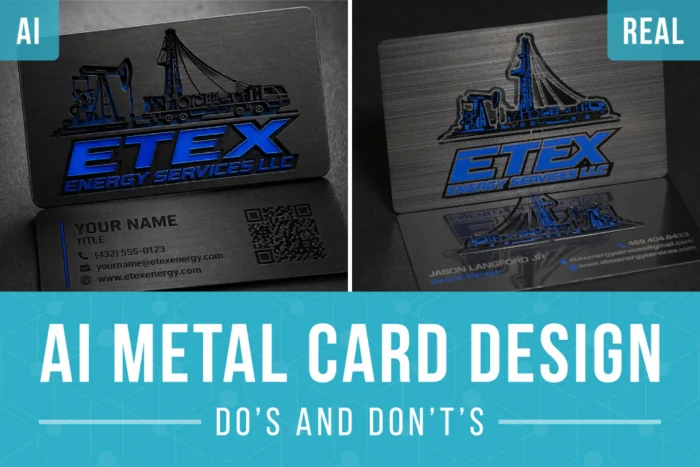
AI design tools can turn a rough idea into a surprisingly polished concept in seconds.
It can help you explore layouts, colors, patterns, cutouts, and creative directions before you ever open professional design software.
But there is one important catch:
AI metal business card design does not always understand how a metal business card is actually made.
A design can look impressive on a screen and still be difficult—or impossible—to manufacture. AI may add raised lettering, unsupported cutouts, unrealistic shadows, or proportions better suited for a bookmark than a business card.
The good news is that a few clear instructions can make a major difference.
Here are the most important do’s and don’ts to keep in mind when using AI to design a metal business card.
Do: Specify the Correct Card Dimensions
One of the most common AI metal business card design mistakes is getting proportions wrong.
AI-generated cards are often too narrow, too tall, or shaped more like bookmarks. That may not seem like a major issue during the concept stage, but incorrect proportions can affect the entire layout once the design is adjusted to fit a real card.
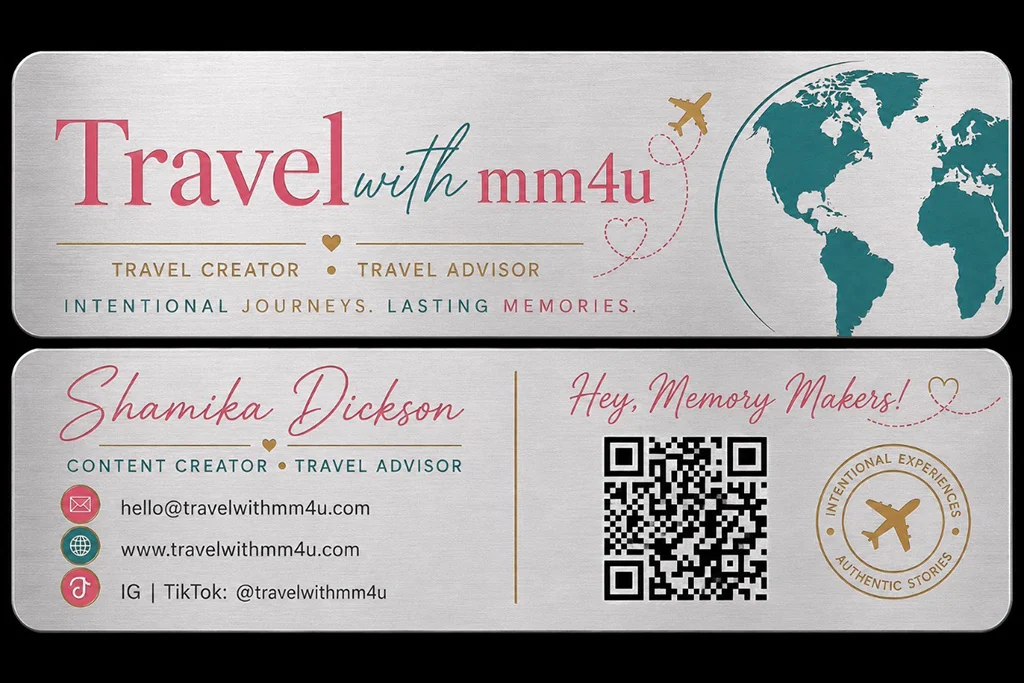
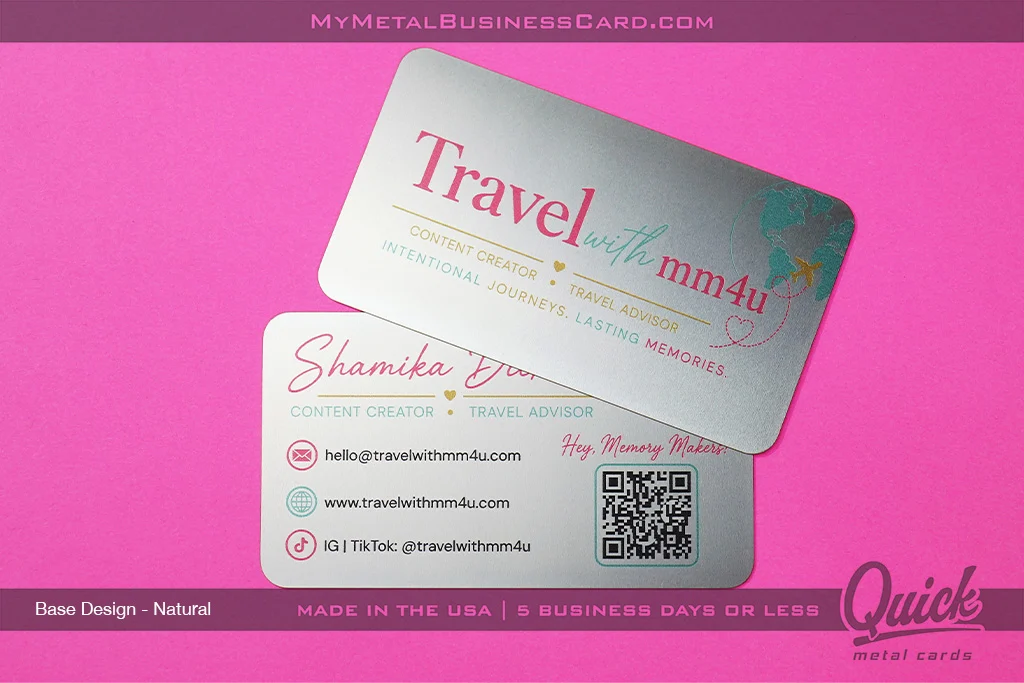
A standard business card is typically 3.5 inches wide by 2 inches tall.
Include the dimensions directly in your prompt, so the AI builds the design in a realistic format from the beginning.
Try wording your prompt like this:
“Create a horizontal metal business card design in standard 3.5-inch by 2-inch proportions.”
It also helps to ask for a straight-on, flat view of the card rather than a dramatic mockup.
Don’t: Ask for an Angled Card
AI loves presentation.
Unfortunately, that often means it generates cards at an angle, floating in the air, resting on a table, or showing with exaggerated lighting.
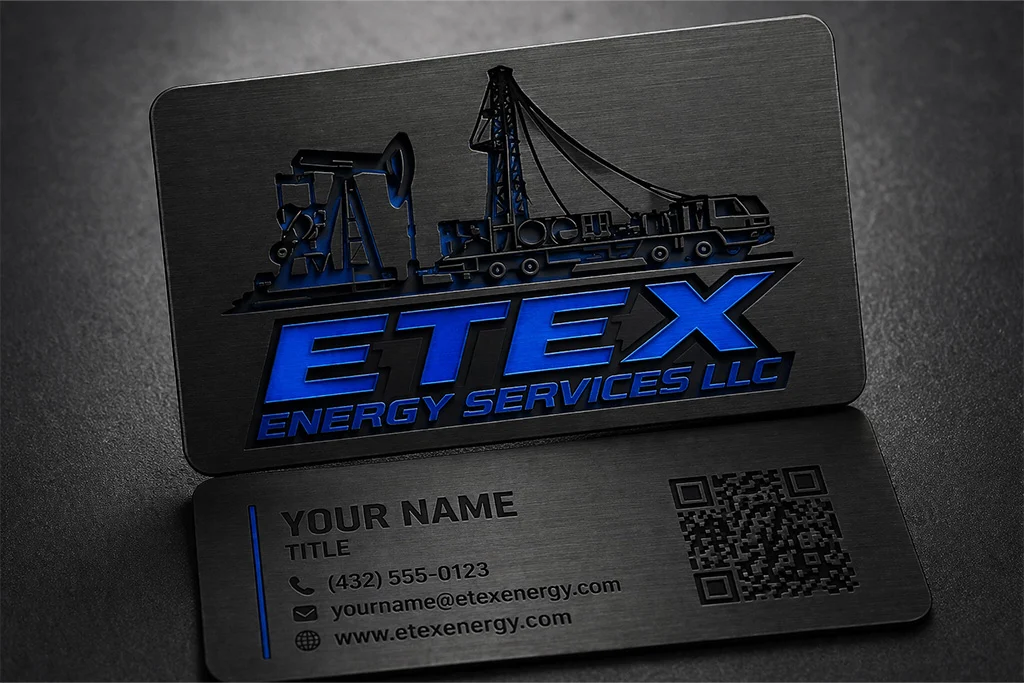
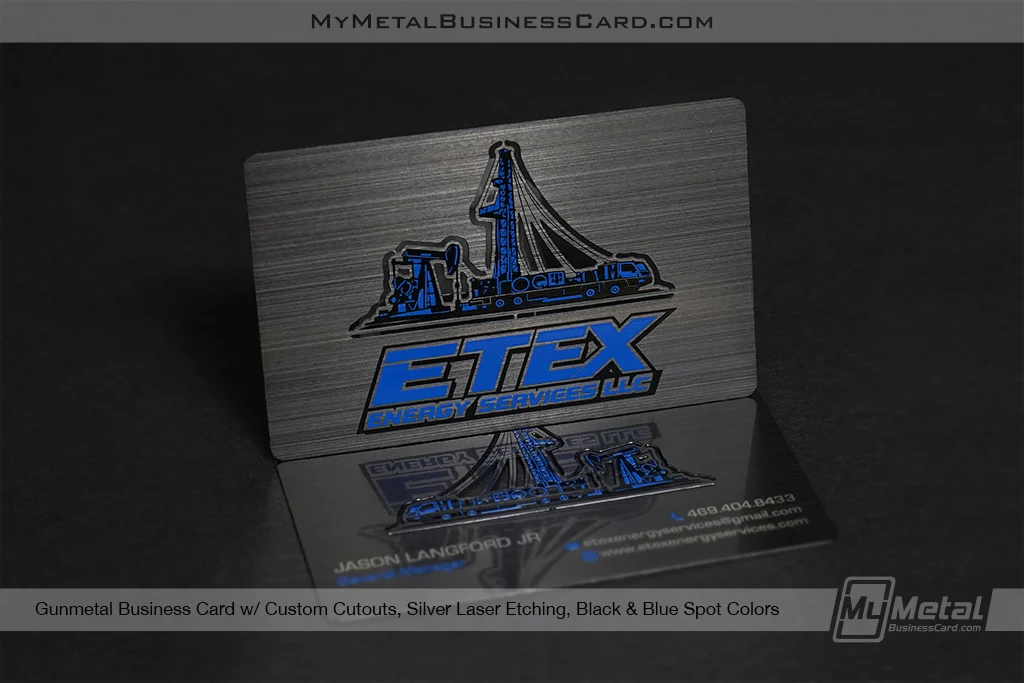
Those images may look great on a mood board, but they are not ideal for evaluating the actual design.
An angled card can distort:
- The proportions
- The spacing
- The typography
- The placement of logos and contact information
- The size and shape of cutouts
Ask the AI to show the card flat, centered, and viewed directly from above.
That gives you and our design team a much clearer picture of what the finished card should look like.
Do: Use Solid Colors
Metal business cards are produced using specific printing, etching, plating, and finishing techniques. For the most realistic concept, ask the AI to use clean, solid colors.
Solid colors are easier to translate into production and give you a better idea of how the finished card will look.
Be specific about the number of colors you want to use.
For example:
“Use one solid coated color with etched details.”
Or:
“Use black metal with one solid gold printed color. Do not use gradients.”
This is especially important if you are planning a one-color design.
If the AI metal business card design includes complex shading, or blended effects, the finished design will require full-color printing instead.
Don’t: Use Gradients, Shadows, or Textures
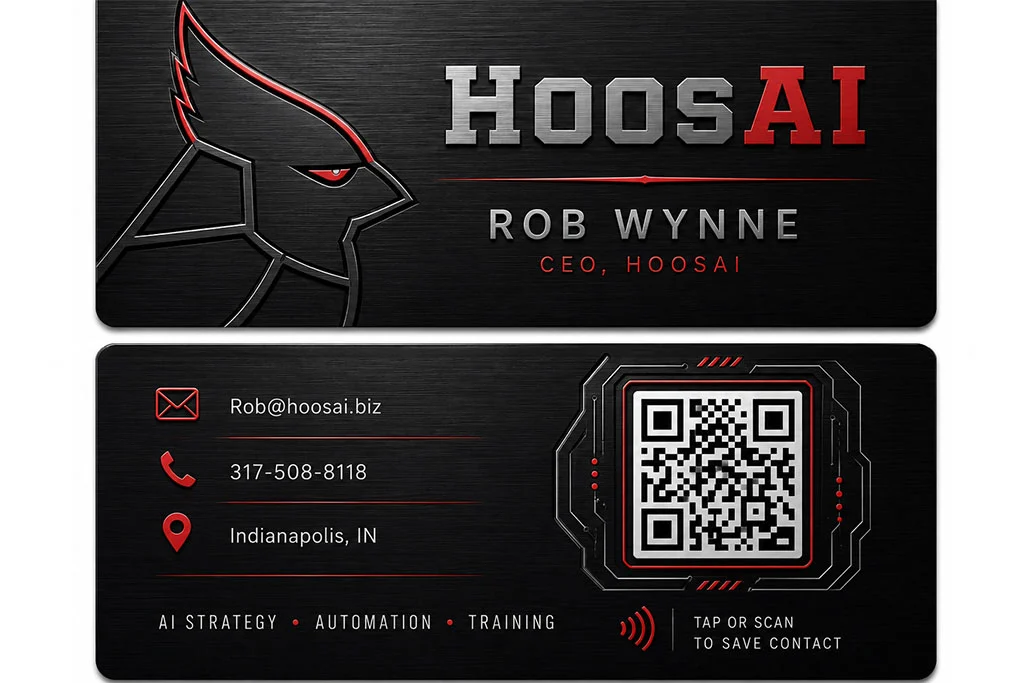
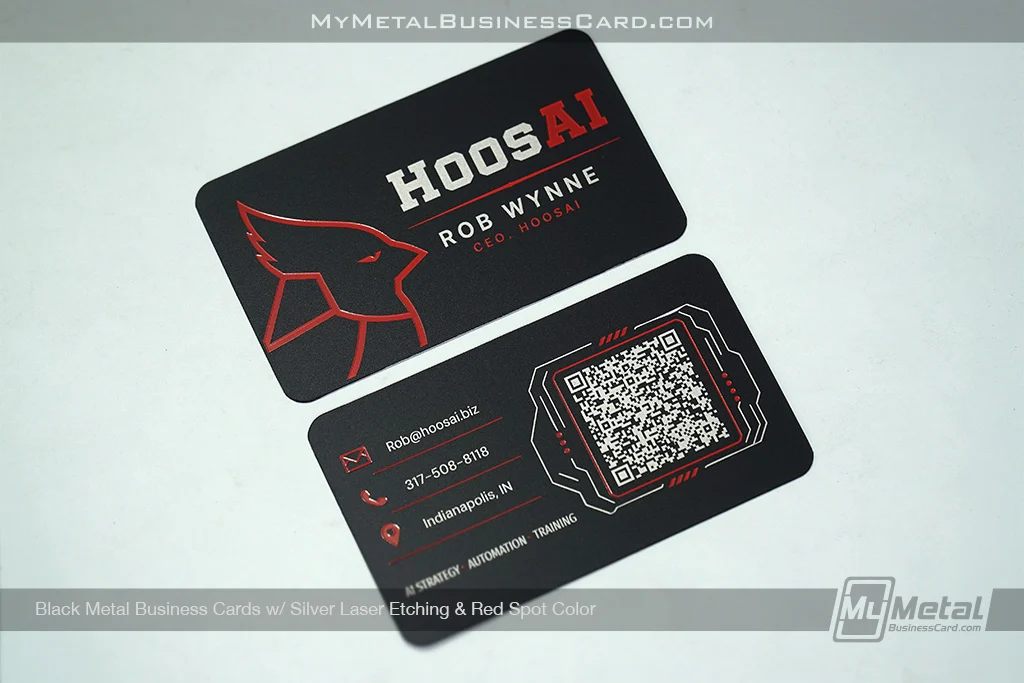
AI often tries to make designs look more realistic by adding:
- Gradients
- Drop shadows
- Glows
- Reflections
- Fabric, stone, or brushed textures
- Three-dimensional effects
These details can make an image look polished, but they may not represent the available production methods accurately.
A shadow behind a logo may look like depth. A gradient may look like metallic ink. A textured background may appear etched.
In reality, each of these effects may require a different production approach or may need to be removed altogether.
For a cleaner and more production-friendly concept, tell the AI:
“Use flat, solid colors with no gradients, shadows, glows, textures, or three-dimensional effects.”
You can always add more complexity later with guidance from our design team.
Do: Be Specific About Etching
Etching is one of the details AI metal business card design gets wrong most often.
Surface etching removes a small amount of material from the card. It creates a subtle recessed area rather than a raised or embossed effect.
AI may mistakenly show etched elements as:
- Raised lettering
- Deeply carved shapes
- Embossed logos
- Three-dimensional metal pieces
- Thick beveled edges
That is not an accurate representation of surface etching.
When writing your prompt, describe the etched area as shallow and recessed.
For example:
“Add shallow surface etching that is recessed into the metal. Do not make the design raised, embossed, or three-dimensional.”
This helps the AI create a more realistic preview of the final card.
Don’t: Treat Etching Like Embossing
Etching and embossing are not interchangeable.
Embossing creates a raised surface. Etching removes a small amount of the surface.
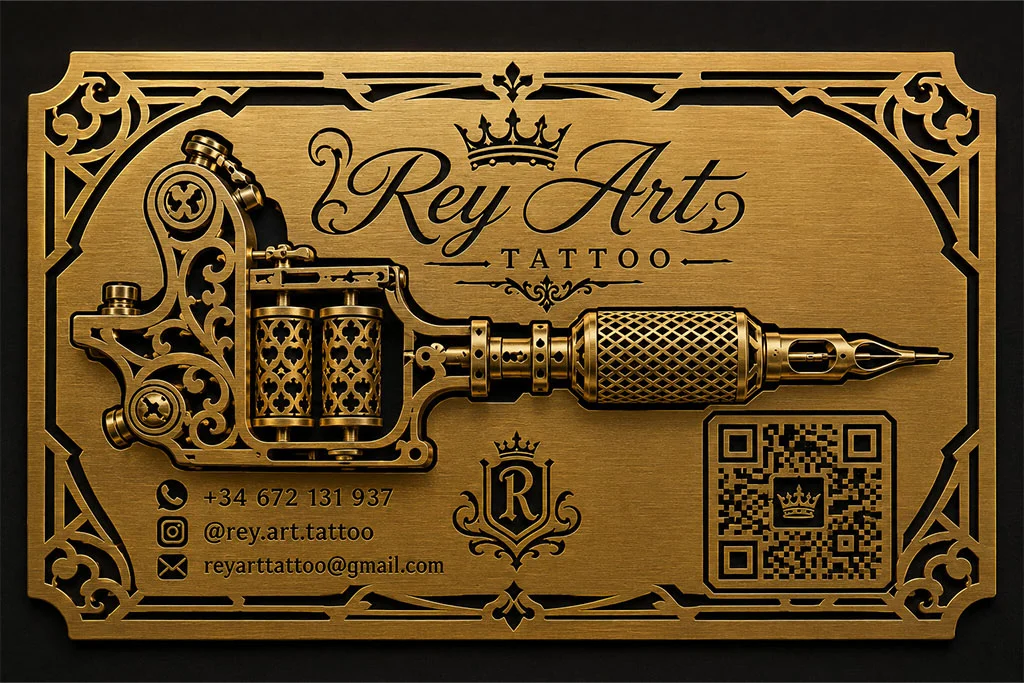
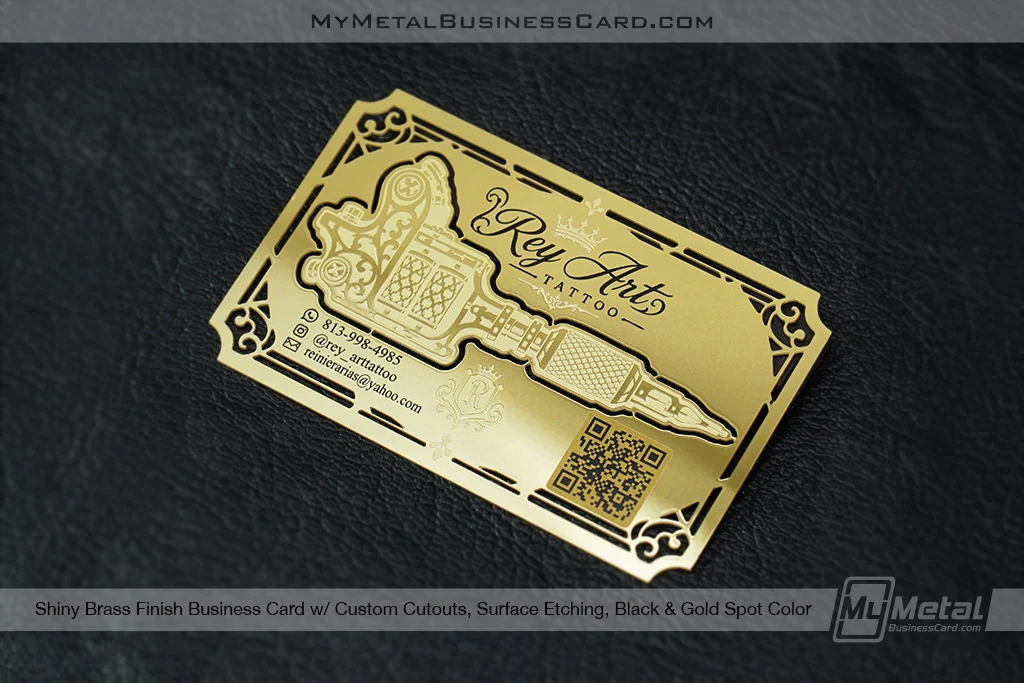
With metal business cards, etched details are typically subtle. Surface etching goes approximately 10% into the card rather than sitting above it.
If an AI metal business card design shows the logo standing on top of the card, it will need to be revised before production.
Think refined detail, not a sculpted metal sign.
Do: Design Cutouts With Anchor Points
Cutouts can make a metal card feel exceptionally custom.
They can be used to create patterns, shapes, borders, icons, or negative-space logos. But every cutout needs to work structurally.
Any interior piece of metal must remain connected to the rest of the card.
For example, imagine cutting the letter “O” completely out of the card. Without small connecting points, the center of the “O” would simply fall away.
Those connecting sections are called anchor points or bridges.
The same issue applies to letters and shapes such as:
- A
- B
- D
- O
- P
- Q
- R
- Closed circles
- Enclosed logo shapes
When prompting the AI, include instructions such as:
“Any enclosed cutout areas must include visible anchor points so no interior metal pieces are unsupported.”
It may not solve every issue, but it gives the AI metal business card design a much better starting point.
Don’t: Make Cutouts Too Thin or Intricate
AI is not thinking about manufacturing tolerances.
It may create extremely narrow lines, tiny gaps, delicate patterns, or floating pieces that look beautiful in digital rendering but cannot be produced reliably.
Cutouts need enough space and material around them to maintain the strength of the card.
Avoid asking for:
- Hairline cutouts
- Tiny lace-like details
- Extremely thin borders
- Closely packed patterns
- Small floating shapes
- Unsupported interior pieces
Bold, intentional cutouts tend to translate better than highly intricate ones.
Our design team will review cutout details and help adjust them to meet minimum production tolerances while preserving the overall look of your concept.
Do: Tell the AI Which Production Effects You Want
The more specific you are, the more realistic the concept will be.
Instead of simply asking for “a luxury metal business card,” describe the actual features you want the card to include.
For example:
“Create a flat, horizontal black metal business card in standard 3.5-inch by 2-inch proportions. Use one solid gold printed color, shallow recessed surface etching, and one simple cutout with proper anchor points. Do not use gradients, shadows, textures, embossing, raised elements, or an angled perspective.”
That prompt gives the AI far more useful direction than a broad request for something “premium” or “cool.”
Don’t: Assume the AI Metal Business Card Design Is Production-Ready
An AI metal business card design can be a great way to communicate your vision, explore layouts, and show our team the direction you want to take.
However, an AI image is not automatically considered production-ready artwork.
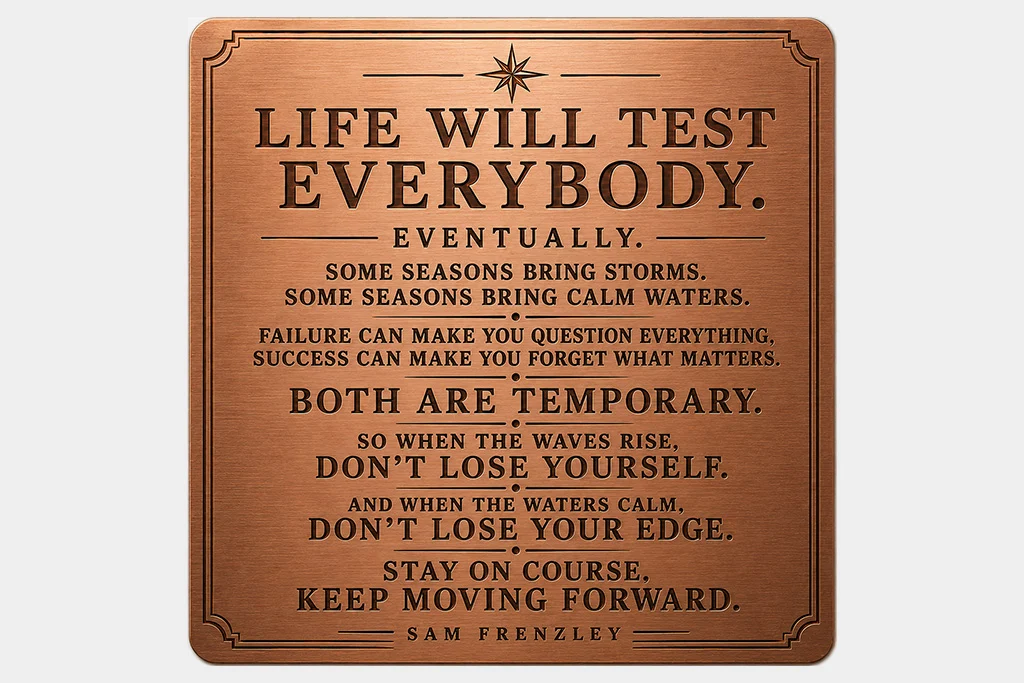
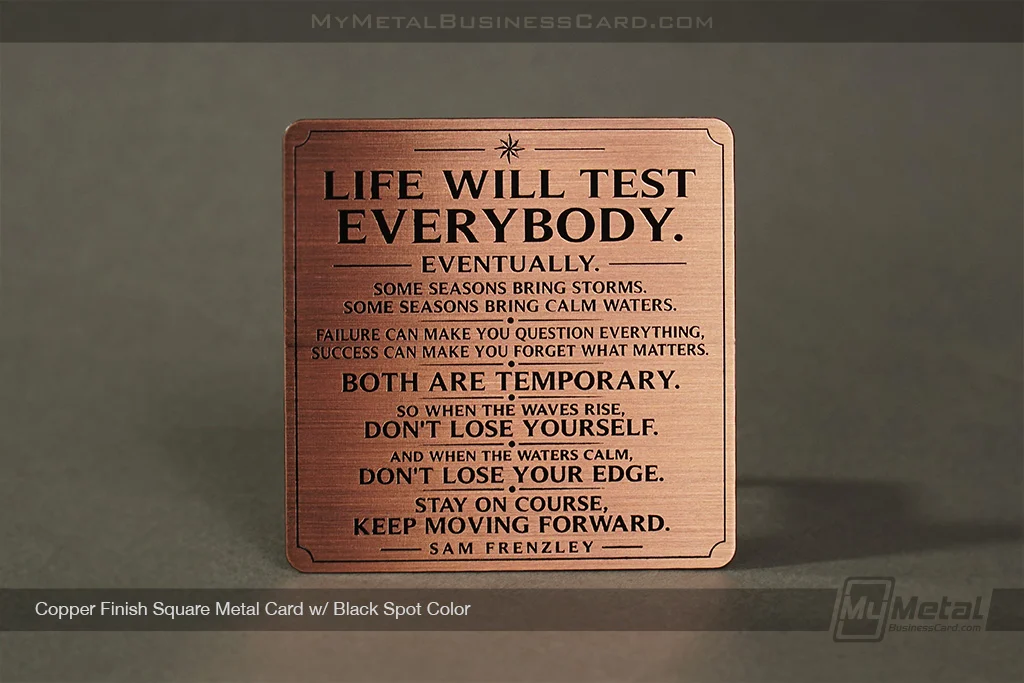
To move into production without adding our design service, your submitted files must meet all our artwork guidelines and be provided in the correct, usable format.
That includes requirements related to:
- Card dimensions
- File type
- Resolution
- Colors
- Fonts
- Line thicknesses
- Cutout tolerances
- Anchor points
- Etching
- Other production-specific details
Most AI metal business card design tools create flattened images or mockups rather than properly prepared production files.
Even when the design looks finished on screen, the AI metal business card design may still contain:
- Incorrect dimensions or proportions
- Low-resolution or flattened artwork
- Fonts that are unavailable, not outlines or converted properly
- Gradients, shadows, textures, or unsupported effects
- Cutouts that do not meet minimum tolerances
- Enclosed cutouts without anchor points
- Etching shown as raised or embossed
- Details that are too small or delicate to manufacture
- Colors that do not match the selected production method
You are always welcome to submit an AI metal business card design as inspiration.
Our design team can use them to understand the look, layout, style, or overall direction you have in mind.
However, if the submitted artwork does not meet our artwork guidelines, our design service will still need to be added so we can properly rebuild, refine, and prepare the design for production.
Think of AI as a powerful concept tool. It can help start the idea, but production-ready artwork still needs to be built the way a real metal card is made.
A Better AI Prompt for Metal Business Card Design
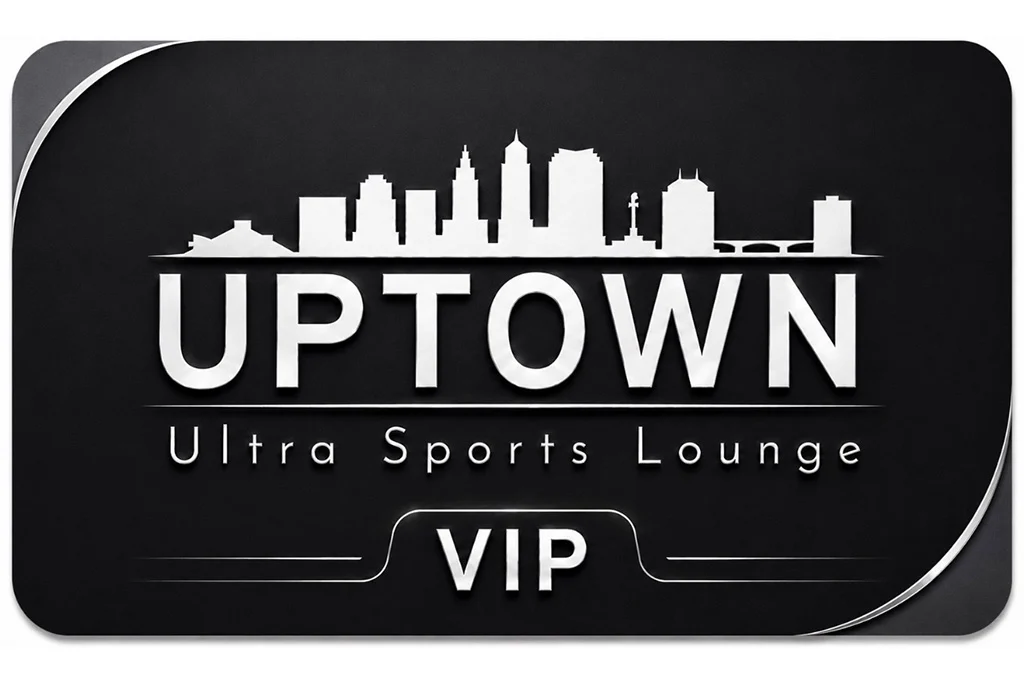
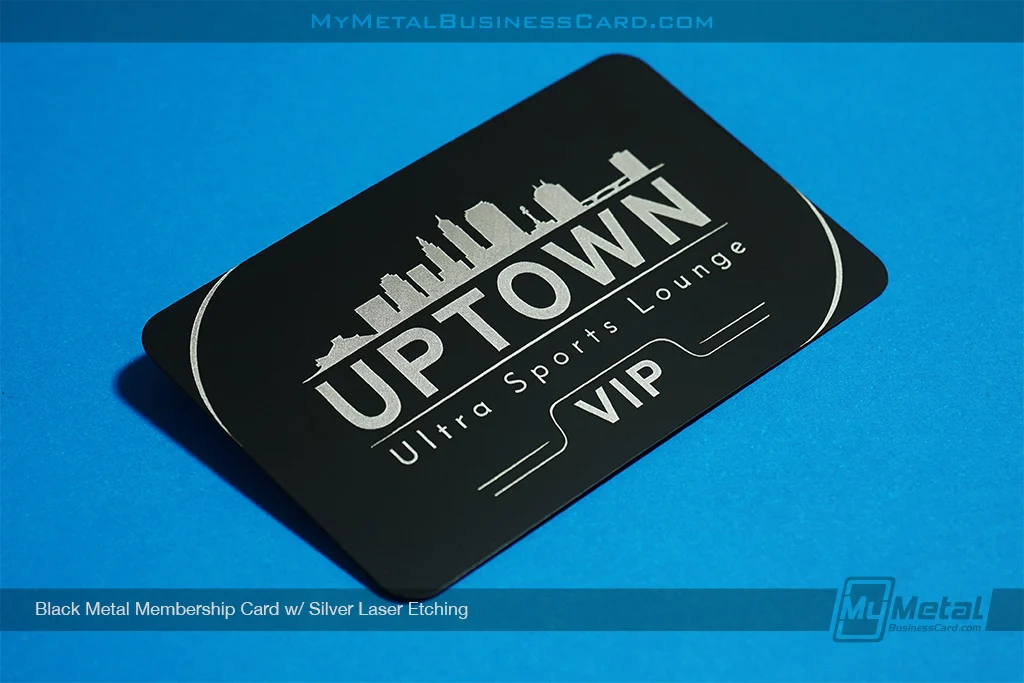
Use this as a starting point for your AI metal business card design:
“Create a flat, straight-on metal business card design in standard horizontal 3.5-inch by 2-inch proportions. Use clean typography and solid coated colors only. Do not use gradients, shadows, glows, textures, reflections, or three-dimensional effects. Show surface etching as shallow and recessed into the card, not raised or embossed. Any cutouts must be bold enough for manufacturing and must include anchor points for enclosed shapes. Keep the card centered and do not show it at an angle.”
You can then add your own brand colors, logo style, industry, and creative direction.
AI Can Start the Idea. We Help Make It Real.
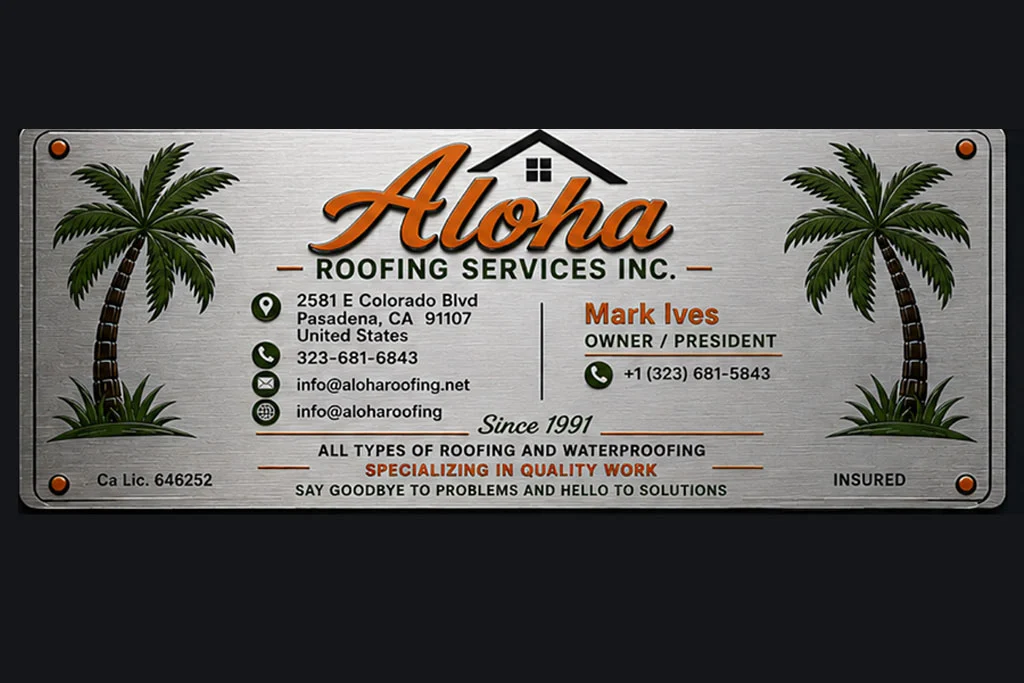
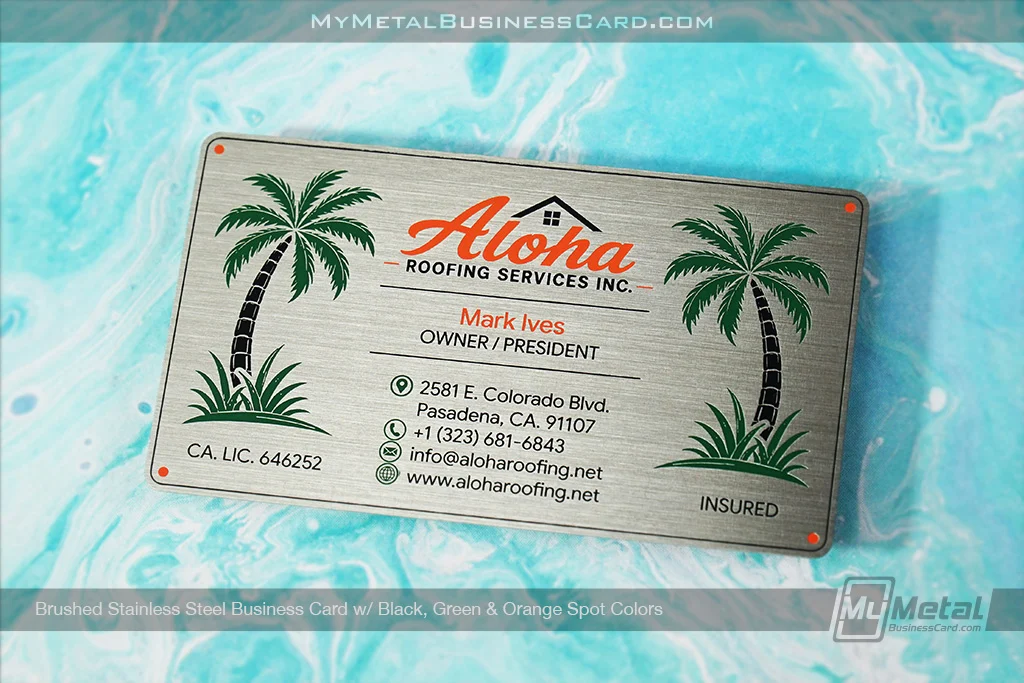
AI makes it easier than ever to explore bold design ideas.
The key is knowing how to guide it.
Start with the right proportions. Use solid colors. Keep the card flat. Treat etching as recessed, not raised. Make sure cutouts are supported. And remember that the first rendering does not need to be perfect.
You are more than welcome to bring us an AI metal business card design, even if it is rough.
If it meets our artwork guidelines, it may be ready to move forward. If it does not, our design service can help transform the concept into artwork that is properly prepared for production.
Our team will refine the details, account for manufacturing requirements, and help turn your idea into a metal card designed to make the right impression.
Because a great concept should not just look impressive on a screen.
It should feel even better when it hits the table.